














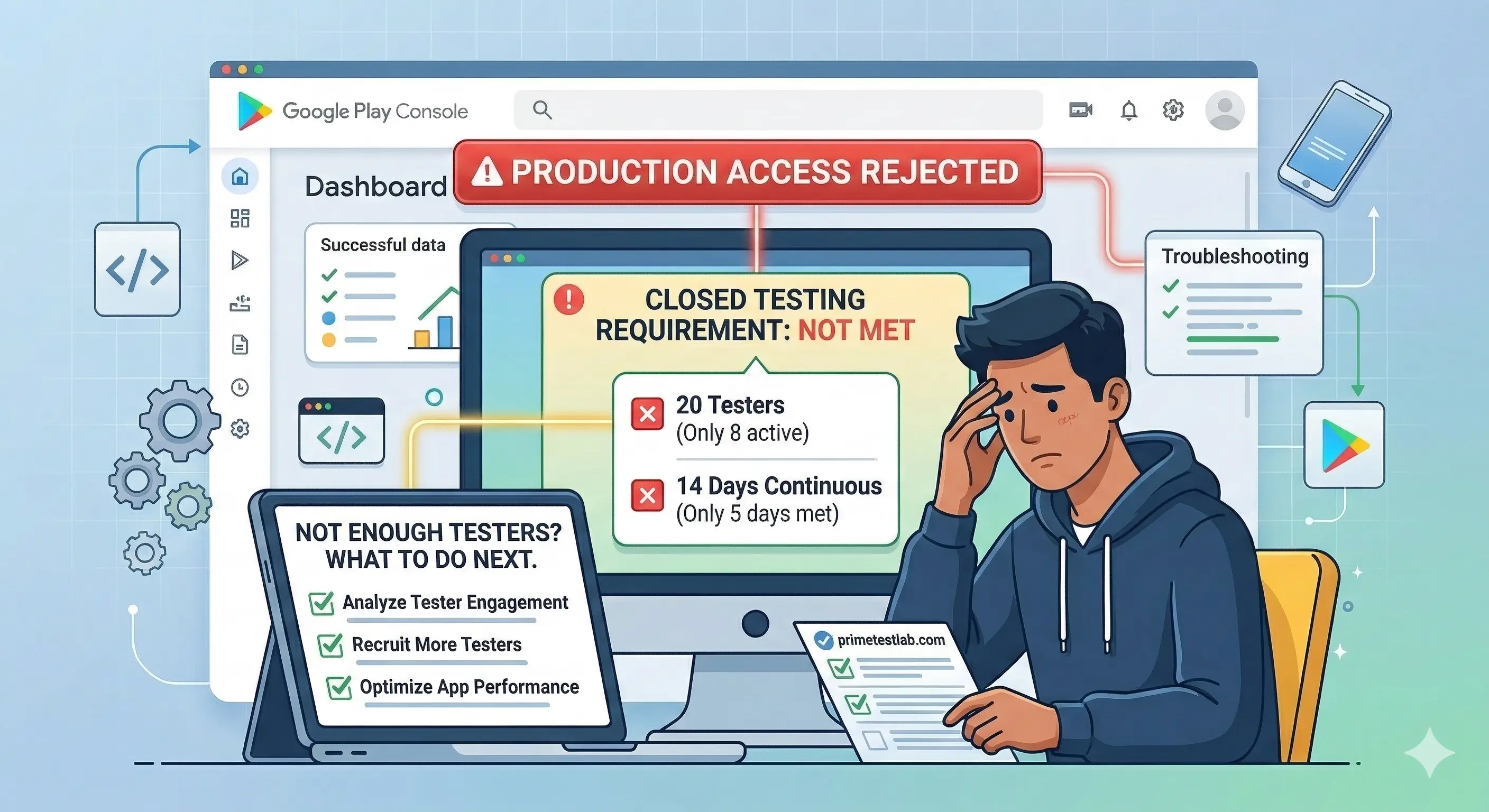
Rejection reason
"Not enough testers"
Google flagged your closed test before granting production access. Here is exactly what that phrase means, and how to clear it.
What Google actually checks
At least 12 opted-in testers. Lose one and you fall to 11 - below the minimum.
14 continuous days. Any interruption resets the window to day zero.
Applies to new personal accounts created after Nov 13, 2023
Quick Answer
Minimum 12 opted-in closed testers + 14 consecutive days for new personal accounts created after November 13, 2023. If you dropped below 12, had opt-outs, or low engagement, Google may say you need more testing.
Fastest path: add reliable testers (ideally more than 12), keep them opted in, make sure they actually use the app, then reapply.
Need a reliable fix today? PrimeTestLab provides 12 to 25 real testers with a quick start and support through approval - starting at $19.99.
On This Page
Why Google Play Says "Not Enough Testers"
Google's production access review is checking one core thing: whether your closed test meets the criteria for your account type.
For new personal developer accounts, Google explains that you must run a closed test with a minimum of 12 testers who have been opted in for at least the last 14 days continuously before you can apply for production access.
If your app is not ready, you may be required to continue testing, including cases where you do not have 12 opted-in testers or your testers are not engaged.
When your submission does not meet those criteria - or your testers are not engaging - Google may respond that your app needs more testing, or that you do not have enough testers.
Who the Tester Requirement Applies To (And Why You Got Blocked)
This is where many developers get surprised.
Google states that in November 2023 it changed publishing requirements and that these changes require developers with personal accounts created after November 13, 2023 to meet specific testing requirements before publishing new apps to production.
*Organization accounts may still face review. Always confirm in your Play Console and Google's docs.
If you are still thinking it is "20 testers": On December 11, 2024, Google announced it was requiring 12 instead of 20 testers for personal developer accounts. Read our full breakdown of the 20-to-12 change.
The Difference Between Invited Testers and Opted-In Testers
This one causes a lot of "but I added 12 emails" confusion.
Adding testers to your list is not the same as them being opted in.
- You added their emails to a list or Google Group
- They may not know they were added
- They have not clicked the opt-in link
- Google does not count them
- They clicked the opt-in link
- They accepted the testing invitation
- They installed the app via Google Play
- Google counts them
Google's own setup flow for closed testing includes:
-
Create or upload an email list (CSV is fine)
-
Add those testers to the closed track
-
Copy the shareable opt-in link
-
Testers must use that link to join
If your testers never opted in, Google may still see your test as below 12.
The 7 Most Common Causes of Tester Count Rejection (And Fixes)
You Never Had 12 Opted-In Testers for 14 Consecutive Days
Google's requirement is not "12 total people at any point." It is having at least 12 opted-in testers for at least the last 14 days continuously when you apply.
- Add more testers immediately
- Keep your daily opted-in tester count above 12 for the full 14-day window
- Reapply only when the requirement is satisfied
Testers Opted Out and Your 14-Day Clock Broke
Google is very clear about the "continuous" part. They explain they will not count testers who opted in, tested for less than 14 days, then opted out - even if they later opt back in. The days must be consecutive.
- Ask testers not to opt out until the full period is complete
- Add extra testers above the minimum so one opt-out does not drop you below 12
- If you did drop below 12 during the window, expect that you will need another full continuous period
You Used Internal Testing and Assumed It Counts
Internal testing is great for quick QA, but Google states you must run a closed test before applying for production access.
A user opted into an internal test can become ineligible for closed or open tests until they opt out, then opt in again.
- Make sure your testers are opted into the closed track, not only internal
- If you used internal first, ensure testers properly opt out of internal and opt into closed
Read our full comparison: Internal vs Closed vs Open Testing on Google Play
You Published the Test, But Testers Could Not Access It Yet
Google notes that after publishing an open, closed, or internal test for the first time, it may take a few hours for the test link to be available to testers, and additional changes can also take hours to propagate.
- Publish your closed testing release early
- Give it time to propagate before assuming testers "failed"
- When you upload new builds, expect delays before every tester sees the update
Your Testers Did Not Actually Engage
Even if you hit the number, Google can still require more testing if testers are not engaged.
When applying for production access, you will be asked about: engagement you received during closed testing, whether testers used features, how usage compares to expected production usage, feedback and how it was collected.
- Give testers a simple daily checklist (open app, complete one core flow, use one feature, send one feedback note)
- Push at least one update during the period based on feedback, then document it
- Use Testing feedback inside Play Console to read and respond
Testers Were Not Eligible Accounts or Could Not Join Correctly
Google notes users need a Google Account or Google Workspace account to join a test. Also, if using Google Groups, your testers must actually be members of the groups you add, and they must use the opt-in flow.
- Confirm every tester is using the same Google account email you added
- If using Google Groups, confirm membership is approved and active
- Re-share the opt-in link and make sure they complete the opt-in action
You Applied Too Early or Misunderstood What "Ready" Means
After you apply, Google says the review usually takes 7 days or less, but you can still be asked to continue testing if requirements are not met.
- Do not apply until you have a clean 14-day window with at least 12 opted-in testers
- In your production access questionnaire, describe what you learned, what you changed, and why the app is ready
Already stuck in a rejection loop?
If you have been rejected once (or more) for "not enough testers," this is exactly the situation PrimeTestLab is designed for. Get 12 reliable testers starting at $19.99 - testing starts within 4-6 hours.
A Play Console Checklist to Diagnose the Problem in Minutes
Use this checklist right now after a "not enough testers" rejection:
All six cleared - you have resolved the root cause and are ready to reapply for production access.
Pro Tip
If you fail any of these checks, fix that specific issue first before reapplying. Many developers reapply too quickly without actually resolving the root cause.
How to Keep Testers Active So Google Does Not Request More Testing
Google's own best practices are straightforward: recruit testers through real networks and relevant communities, give clear instructions on how to test and how to report bugs, and encourage testers to use as many features as possible.
Here is a simple engagement system that works well:
Daily Tester Task List (Copy This Into Your Tester Message)
- 1Open the app once per day
- 2Complete your main flow (sign up, create, purchase, etc.)
- 3Try one extra feature (settings, profile, share, search)
- 4Send 1 piece of feedback (bug, UX note, suggestion)
During the 14 Days
- Push at least 1 update based on feedback
- Keep a small changelog you can paste into the production access questionnaire
- Save key feedback themes so you can summarize them later
Is 12 Testers Actually Enough?
12 is the minimum, but minimum is not always safe.
In practice, the risky part is not hitting 12 once. The risky part is staying continuously above 12 for the full period and having enough engagement to look like a real pre-release program.
That is why many developers choose a buffer:
Meets the minimum, but 1 or 2 dropouts can cause delays
MinimumSafer buffer, often better device variety
Safe BufferStrongest buffer and best coverage
Best CoverageGoogle itself recommends recruiting a diverse tester group and encouraging broad feature usage because it helps you find more issues and gather more useful feedback.
Read more: Why You May Need More Than 12 Testers for Google Play
How PrimeTestLab Fixes Tester Count Rejections Quickly
If your app was rejected for "not enough testers Google Play," the fastest path is usually getting reliable testers who will:
- Opt in correctly through the testing link
- Stay opted in continuously for the full 14-day period
- Actually use the app throughout the period
PrimeTestLab is built specifically for the Google Play closed testing requirement and offers a simple workflow: you add testers, share your testing URL, and testing begins quickly.
Prices plus 5% service fee at checkout.
If you are already in a rejection loop, this is exactly the situation PrimeTestLab is designed for: replacing unreliable DIY recruitment with consistent tester activity and documented progress.
Frequently Asked Questions
How many testers do I need for Google Play in 2026?
For personal developer accounts created after November 13, 2023, Google requires a closed test with at least 12 opted-in testers for at least the last 14 days continuously before applying for production access.
What does "testers must be opted in for 14 days continuously" mean?
Google explains that testers who opt in, test less than 14 days, and opt out do not count - even if they opt back in later. The days must be consecutive with no interruption.
Can Google reject production access even if I have 12 testers?
Yes. Google notes you may be required to continue testing if you do not have 12 opted-in testers, or if testers were not engaged with the app during the closed test. Having the numbers is necessary but not sufficient.
Do internal testing testers count toward the requirement?
Google requires a closed test before applying for production access, and internal testing is described as optional and separate. You should ensure your testers are opted into the closed test track. Read our testing tracks comparison for details.
How do I add testers correctly to a closed test?
Google's setup flow includes creating an email list or uploading a CSV, adding those testers on the closed testing track, providing a feedback channel, then copying and sharing the opt-in link. Testers must use that link to actually join the test.
I got rejected for not enough testers. What is the fastest fix?
Get back to a clean window of at least 12 opted-in testers for 14 consecutive days, keep engagement steady, and reapply. If you need it done quickly, PrimeTestLab can provide 12 testers starting at $19.99 with testing starting within hours.
Bottom Line
Summary
If Google Play rejected your app for "not enough testers," the fix is simple but strict: run a closed test with at least 12 opted-in testers for 14 consecutive days, keep them opted in, and make sure they actually engage with the app. If you need a fast, reliable solution, PrimeTestLab provides 12 testers for $19.99, starts testing within 4-6 hours, and helps you complete the full 14-day requirement without getting stuck in a tester count loop. See pricing plans →